
Trezor Suite is the desktop and web app for managing Trezor hardware wallets: one window for your portfolio, for sending and receiving, and for every asset you hold.
Inside Suite
Portfolio at a glance
See every balance, chart and account in one view. Add as many accounts as you need, and read your holdings in fiat values at a glance, so you always know where your portfolio stands without switching between tools.
Send and receive
Choose your own fees, then verify each address on the device screen before you confirm. Label your transactions as you go, so your history stays clear and easy to search whenever you look back.
Coin support
Trezor Suite supports 1,000+ coins and tokens including Bitcoin, Ethereum and Solana. Discover tokens, follow staking views and manage every supported asset inside one app instead of many.
Setup takes about 10 minutes from unboxing to first transaction.
Free to download for Windows, macOS and Linux.
Setup in six steps

01
Unbox and check the seal
Open the sealed box and look closely at the holographic seal. If it looks damaged or tampered with, stop and do not use the device.
02
Install the app
Download Trezor Suite for Windows, macOS or Linux. It is free, and the installer walks you through each screen.
03
Connect and update
Plug the wallet into your computer by USB. The app installs the latest firmware and checks that it is genuine.
04
Create your wallet
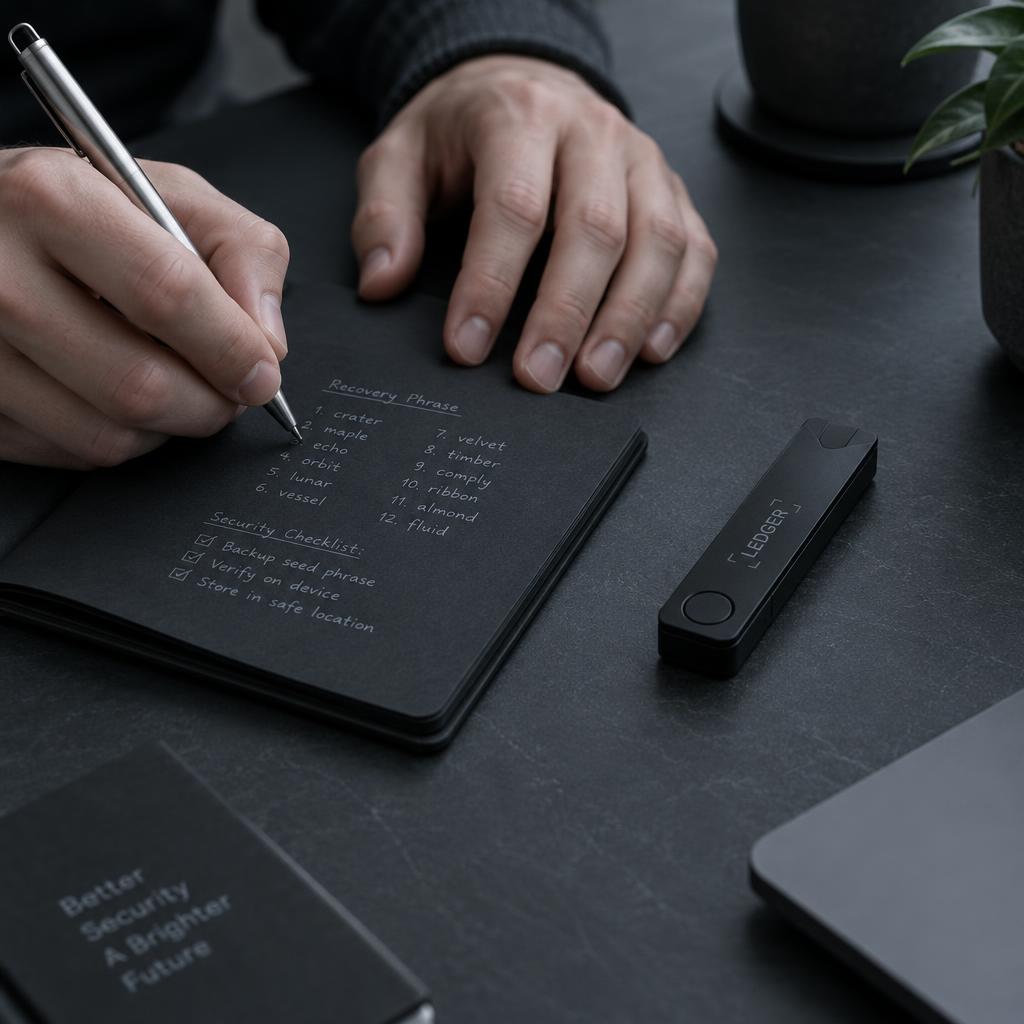
Generate a new wallet and write the recovery seed on the supplied card. Keep it offline and never photograph it.
05
Set a PIN
Choose a PIN on the device itself. Add an optional passphrase for a further hidden layer of protection.
06
Send a test amount
Receive a small test amount, then confirm the address on the device screen. Your first transaction is done.
Compared with what
Keys held offline beat keys held by software, or by someone else.
Why offline keys
Compared on
Trezor Suite
Browser extension wallets
Exchange accounts
Key custody
Keys never leave the device.
Keys sit in a browser profile.
The platform holds the keys.
Transaction confirmation
Every transaction confirmed on a physical screen.
No independent confirmation screen.
Withdrawals wait on the platform.
Phishing exposure
Fake pages cannot sign without the device.
Phishing pages and malicious approvals.
Look-alike login pages target accounts.
Downtime
Your device works whenever you do.
Depends on the browser and its updates.
Withdrawals can be frozen.
Auditability
Open-source code audited by independent security researchers.
Often closed code nobody outside can read.
Closed systems. Losing the account means losing the coin.
Built-in coin control, Tor routing and CoinJoin privacy tools




Coin control picks which UTXOs fund a payment.
Tor hides the network origin of balance queries.
CoinJoin breaks the link between past and future coins.
Custom fee and labelling for clean accounting.
Pricing
Pay once for the device. The app costs nothing.
The Suite app is free
Free to download for Windows, macOS and Linux. You only pay for the device.
Included: portfolio overview, send and receive, privacy tools, and desktop or web access.
Trezor Suite is the desktop and web app for managing Trezor hardware wallets.
Trezor Safe 3
Trezor Safe 3 from $79
The entry device, with PIN and passphrase protection and full Suite access. Includes a USB cable, recovery cards and lifetime firmware updates.
Trezor Safe 5
Trezor Safe 5 from $169
A colour touchscreen and haptic feedback on the same security model. Includes a USB cable, recovery cards and lifetime firmware updates.
Frequently asked questions
What happens if I lose the device?
Restore your wallet from the recovery seed onto a new Trezor or any compatible wallet. Your coins live on the blockchain, never on the device itself.
Where is the recovery seed stored?
You write it down offline and keep it somewhere safe. It is never typed into the app, never kept in a photo and never saved in cloud storage.
Can Trezor Suite see my coins?
No. There is no account and no email required, and your balances are derived locally on your own computer.
How do firmware updates work?
Updates are signed by Trezor, verified on the device itself and confirmed by hand with a button press before anything is installed.
Does it work with MetaMask and other apps?
Yes. Trezor acts as the signing device, so you approve every transaction on its screen while using the apps you already know.
Is a passphrase the same as a PIN?
No. The PIN unlocks the device, while a passphrase opens a separate hidden wallet that nobody can find without it.
What if my computer is compromised?
Addresses and amounts are verified on the device screen, so malware on your computer cannot quietly change where your funds go.
Is the web version as safe as desktop?
It runs the same code path. Desktop is recommended if you want Tor routing for extra network privacy.